Post-Sale Satisfaction Survey

Automate outreach to clients that have recently bought a car from you to ask them to rate the whole purchase process

0.00 (0)

NurturingSurvey

Install asset

Nº of installs:

3

Version:

Updated:

10/04/2026

Category:

Automation

Best CRM for auto dealerships – Cover Walcu Library

Post-Sale Satisfaction Survey

Automate outreach to clients that have recently bought a car from you to ask them to rate the whole purchase process

0.00 (0)

NurturingSurvey

Download asset

Nº of downloads:

3

Version:

Updated:

10/04/2026

Category:

Automation

ℹ️ About this resource

This automation includes two automations, six custom fields and one landing

Automation:
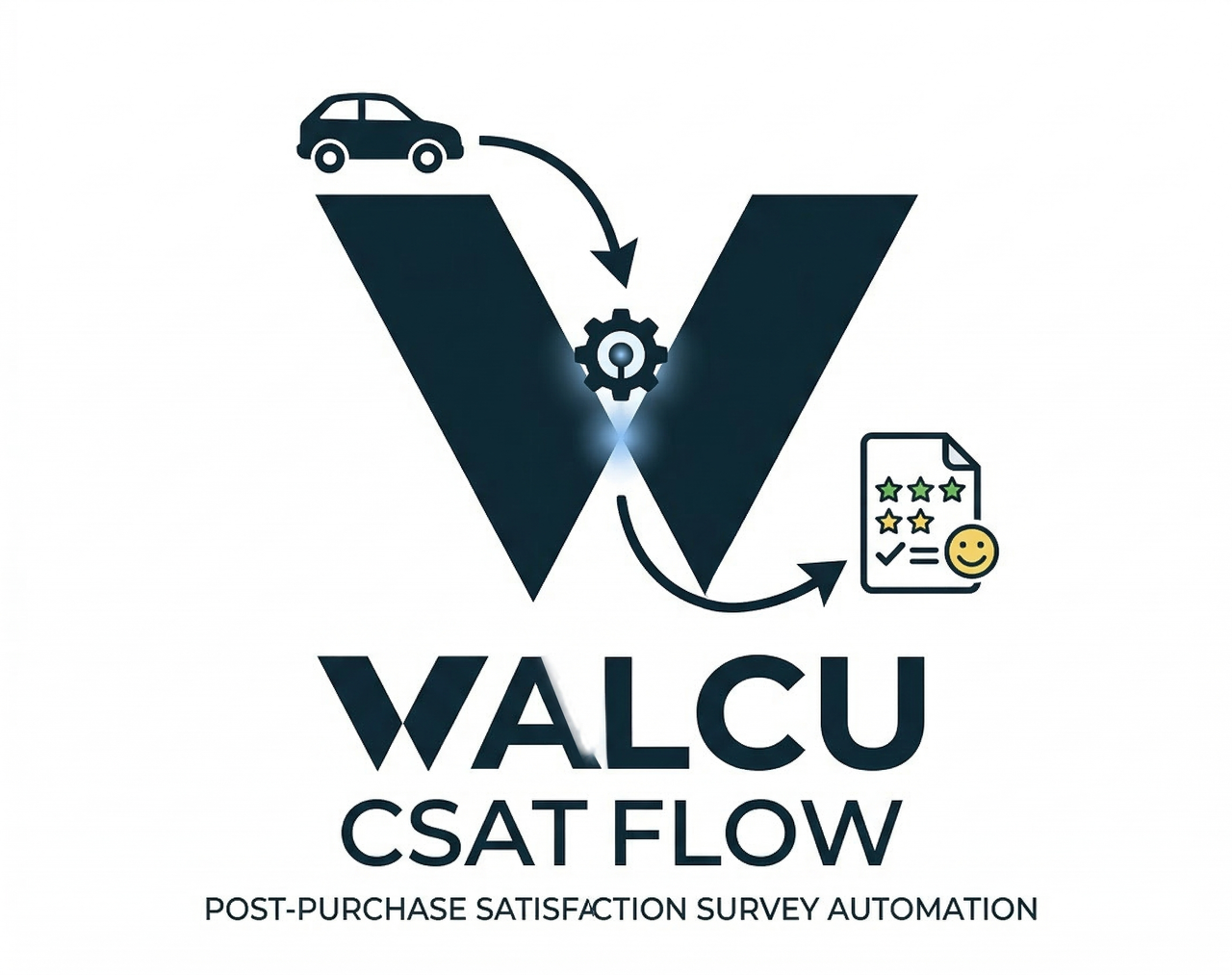
  • Rule 1: Triggers when a lead is set to the sold status then creates a public URL specific to the client and then sends the URL via email
  • Rule 2: Triggers when the form in the landing is filled out and sent and then updates the custom fields with the values the client answered
Custom Field:
  • Field name: VALORA TU EXPERIENCIA GLOBAL CON NOSOTROS
  • Purpose: Used to show what the client answered.
  • Field name: QUÉ MEJORARÍAS DE TU EXPERIENCIA
  • Purpose: Used to show what the client answered.
  • Field name: ESTADO DEL VEHÍCULO AL ENTREGARLO
  • Purpose: Used to show what the client answered.
  • Field name: CÓMO NOS DESCUBRISTE
  • Purpose: Used to show what the client answered.
  • Field name: CLARIDAD EN PRECIOS Y CONDICIONES
  • Purpose: Used to show what the client answered.
  • Field name: ATENCIÓN DE TU VENDEDOR
  • Purpose: Used to show what the client answered.
KPI:
  • KPI name: KPI encuesta de satisfacción
  • Purpose: Centralize all results from the survey in a single panel to evaluate hte quality of the service.
Landing:
  • Landing name: Cuestionario de satisfacción

🛡️ Implementation guide

Follow these steps to integrate this resource into your Walcu account.

Step 1 — Install the App

1. Locate the application in the system.

2. Click Install to add the app to your account.

Step 2 — Access Automations

1. Go to the Automations section.

2. Open the workflow you wish to configure.

Step 3 — Update Contact Method

1. Locate the steps labeled Send Email.

2. Decide if you wish to maintain the contact method as email or if you prefer to send it as Whatsapp is SMS and write out the message you wish to send to the client.

Customer reviews:

There are no reviews yet. Be the first to write one.

Reviews are moderated before publication.

Participation Policy, Personal Data Processing and Assignment of Image Rights

Applicable to events organized by Walcu, a commercial brand operated by Aldajo Trading, S.L.

Express acceptance of this policy is mandatory in order to request attendance and participate in the event. Requesting attendance does not guarantee confirmation of a place, which will be manually validated by Walcu.

1. Data controller

The controller of the personal data is Aldajo Trading, S.L., under the commercial brand Walcu.

2. Personal data processed

By requesting attendance or participating in the event, the data subject authorizes Walcu to process the data provided during registration, including:

  • First and last name.
  • Company or organization.
  • Position, function or professional role.
  • Email address.
  • Phone number.
  • Professional information provided during registration.

3. Purposes of processing

The data may be used to manage registration, assess and confirm participation, organize the event, send related communications, prepare attendee lists, facilitate professional networking and carry out communication, marketing and promotional actions linked to the event.

4. Data sharing

The participant accepts that Walcu may share their name, company, position, professional email address and professional phone number with other attendees, speakers, sponsors, collaborators or event participants, for networking, professional collaboration and business opportunity generation purposes.

5. Photographs, videos and image

During the event, photographs, videos, recordings, broadcasts, interviews and other captures of image and voice may be made.

The participant expressly authorizes Walcu to capture, reproduce, edit, publish, distribute and publicly communicate their image, voice and appearance in such materials.

6. Use of audiovisual materials

The materials may be used, without financial compensation, on social networks, websites, advertising campaigns, commercial communications, presentations, press releases, blogs, corporate materials and any other promotional or communication channel of Walcu or the event.

7. Talks and participant content

Speakers, moderators, panelists or collaborators authorize Walcu to record, edit, reproduce, publish and distribute their interventions, talks, presentations, audiovisual materials and content presented during the event.

The speaker guarantees that they hold the necessary rights over the materials used and shall hold Walcu harmless against any third-party claims related to such content.

8. Subsequent communications

Walcu may contact participants after the event to share documentation, content, information about future editions, networking opportunities, news, products or services related to its activity.

9. Data subject rights

The participant may exercise their rights of access, rectification, erasure, objection, restriction of processing and portability by sending a written communication addressed to Walcu.

10. Acceptance

By requesting attendance or participating in the event, I declare that I have read, understood and accepted this Participation Policy, Personal Data Processing and Assignment of Image Rights.

WalcuCon 2026

* Requesting an invitation does not guarantee a spot